
A casual club that has already chosen increment timing needs a clock volunteers can set, players can read, and the next pair can reset without a long menu lesson. “Supports increment” is only the first filter. The useful choice also depends on how the mode is entered, whether both sides receive the intended added time, how obvious pause and reset are, and whether every clock in the club can follow the same setup card.
This is a category guide, not a ranking of named clocks. It makes no hands-on testing, tournament-approval, current price, rating, or availability claims. Before buying, confirm the exact timing mode and setup sequence in the current manufacturer manual; a listing title alone is not enough evidence.
First, Confirm What the Clock Adds
Increment means a set amount of time is added to a player’s clock in connection with each completed move. It is not the same as delay, which generally holds back the countdown for a set interval before time begins decreasing. Clock labels and menu abbreviations vary, so the club should verify the intended behavior from the manual and test one sample unit before standardizing a fleet.
Use a simple tabletop check: set a short base time and a clearly visible increment, make one legal move per side, press each player button once, and watch what happens to both displays. If helpers cannot explain the result confidently, do not buy more units yet.
Best Starting Format: A Clear Increment Preset
A clock with a documented preset for the club’s usual base time and increment reduces repeated button presses. That matters when several boards start together or new volunteers rotate in. Confirm that the preset is easy to identify again after power-off and that changing one value does not silently change the other.
Choose this format when: the club uses one or two recurring casual settings and wants a short setup card beside each clock.
Skip it when: the available presets do not match the club’s intended timing or the manual does not clearly show how to confirm the active mode.
Best for Flexible Sessions: Simple Manual Programming
Manual programming can suit a club that alternates between longer games, quick pairings, and practice positions. The tradeoff is setup time. Compare how many controls are involved, whether the active field is visible while editing, and whether an accidental extra press is easy to correct without starting over.
Write the exact sequence for the club’s two most-used settings and ask a second volunteer to follow it without coaching. This tests the instructions and workflow, not the clock’s durability or competitive status.
Choose this format when: the club genuinely uses several increment combinations and has helpers willing to maintain shared instructions.
Skip it when: players mostly need one repeatable setting or the custom menu will slow every round.
Best for Shared Rooms: Large Displays and Obvious Buttons
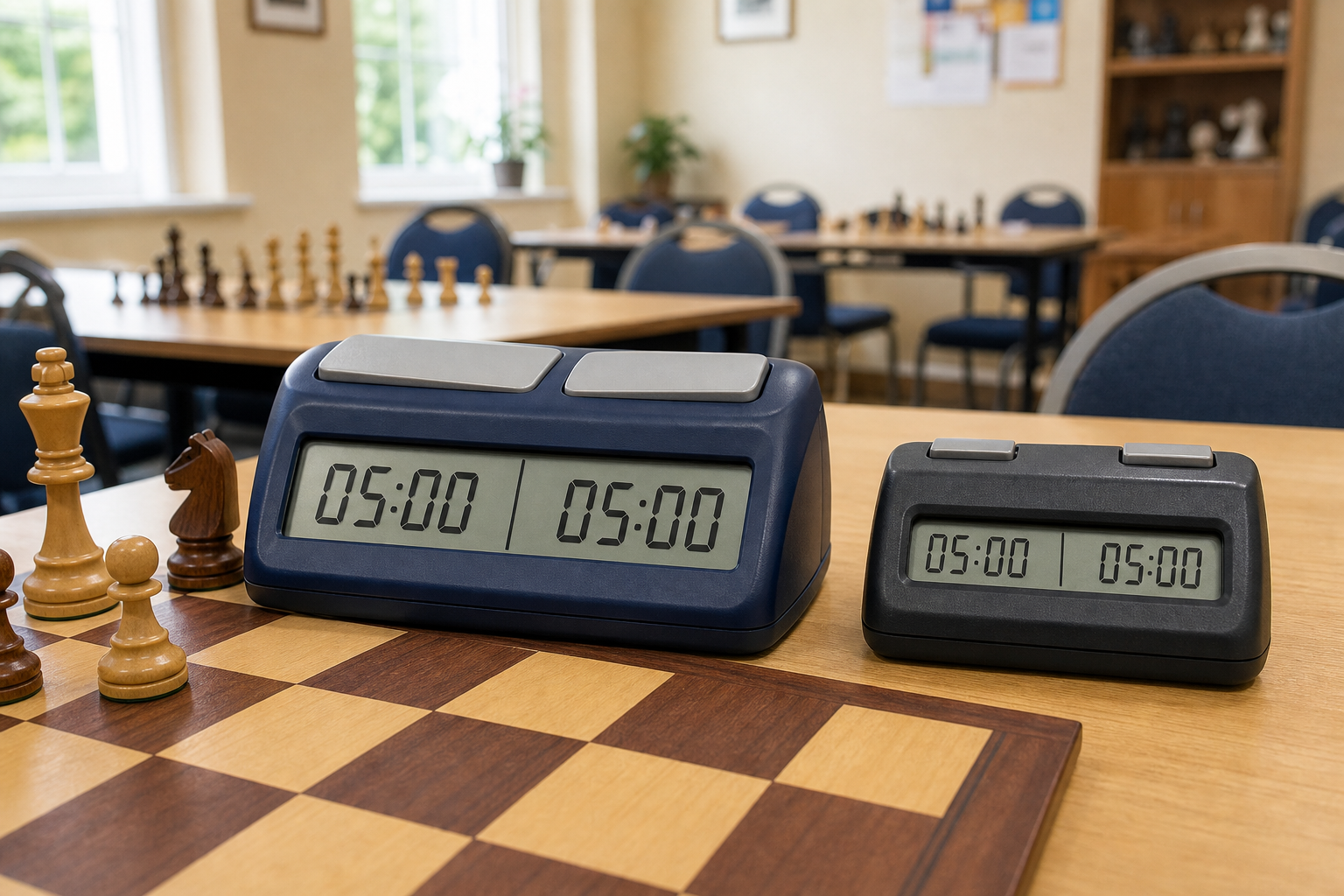
Increment does not help if seated players cannot tell whose clock is running. Compare numeral height, viewing angle, contrast, the side-to-move indicator, and the physical separation between the two player buttons. Check these from an ordinary playing position rather than relying on a tightly cropped listing photo.
A separate pause control can make interruptions easier to manage, but only if players know when the club permits its use. Keep that as a local table convention rather than presenting it as a universal rule.
Choose this format when: clocks are shared by mixed-experience players in a busy community room.
Skip it when: a larger case crowds the board, score sheets, or narrow tables.
Best for a Matching Fleet: One Repeatable Control Layout
For multiple club clocks, consistency is often more valuable than adding another mode. Matching controls let one laminated setup card serve every table and make it easier to notice when a unit has been left in the wrong setting. Before buying in quantity, confirm the current units use the same menu and button layout; similar-looking revisions may not share the same instructions.
Number the clocks, record the battery type or charging requirement, and keep the setup card with the storage case. If the club transports several units, the chess clock carrying-case guide covers measured compartments, dividers, counting, and labels.
A Club Pre-Purchase Check
- Write down the exact base time and increment the club intends to use.
- Find that mode in the current manufacturer manual, not only in marketplace copy.
- Check how to start, pause, correct, and fully reset the clock.
- Confirm the display can be read from both seats and the active side is clear.
- Record battery or charging needs and decide who checks power before meetings.
- Buy or borrow one unit first, then have two helpers repeat the setup independently before standardizing.
Who Should Skip an Increment Clock?
Skip this purchase if the club still needs complete boards, readable pieces, storage, or basic rule support. Untimed games are often the better starting point for learners who are still working out legal moves. The broader club starter-kit guide helps prioritize the equipment that puts more players at usable boards.
Also skip a dedicated increment clock if timed play is occasional and a shared app already fits the group’s device, privacy, and interruption rules. Compare that workflow in dedicated chess clock vs chess clock app. If the group has not yet decided whether increment itself is useful, this buying guide is premature; settle the timing decision first.
Bottom Line
The best increment chess clock for a casual club is the format whose current manual confirms the needed mode and whose setup, display, buttons, pause, reset, and power routine the club can repeat across meetings. Start with one documented sample, build a short setup card, and standardize only after more than one helper can run it without guesswork.