
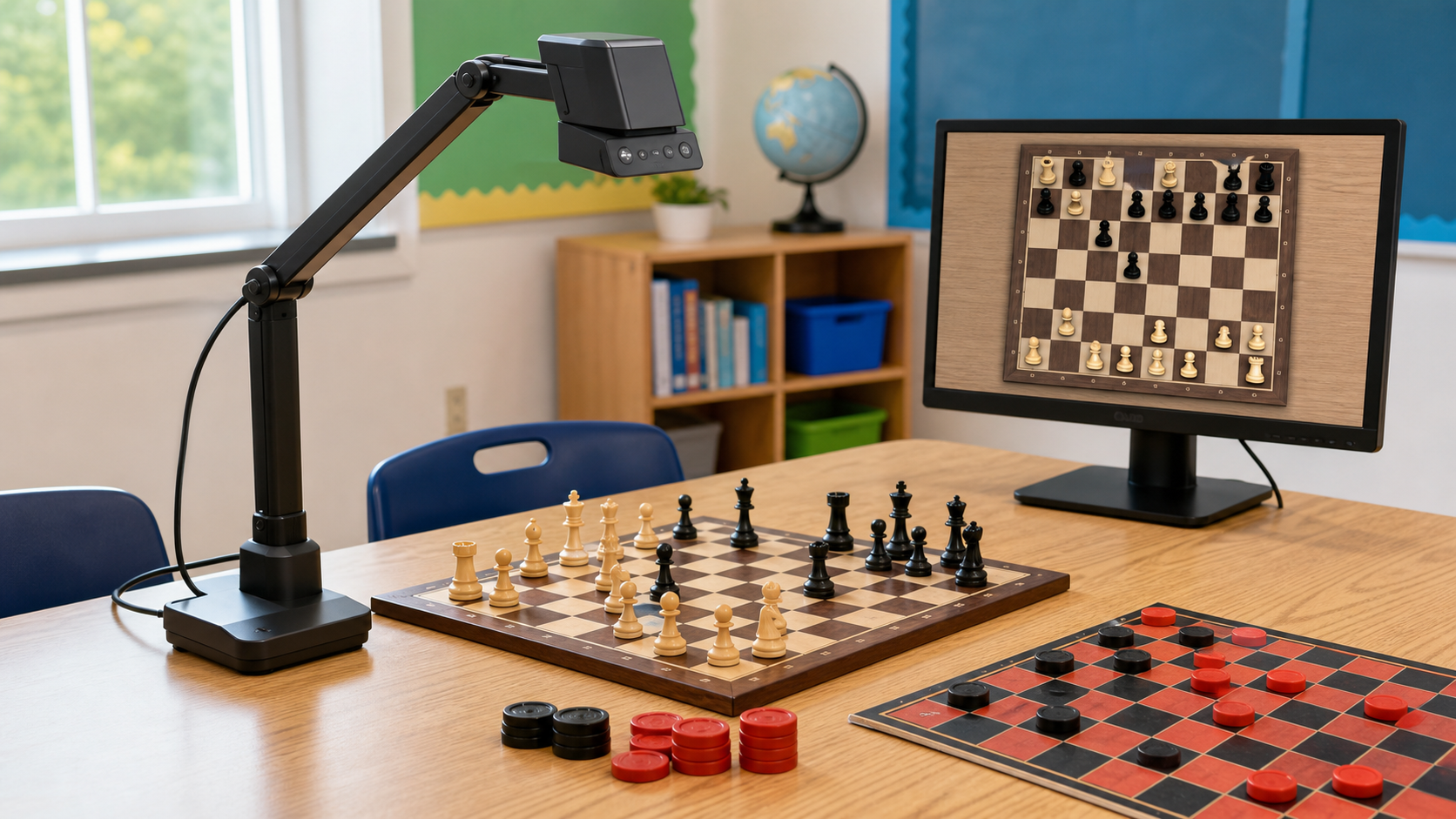
A document camera can put a physical board, a single piece movement, or a workbook diagram on a classroom display without asking every learner to crowd around one table. The useful question is not which named camera “wins,” but whether the stand, capture area, focus, and connection fit the materials and display you already use.
This is a category comparison, not a named-product ranking or a claim of hands-on testing. No approved current named-product feed is configured, so verify dimensions, connections, operating-system support, included software, controls, and warranty on current manufacturer and seller pages.
The Good Chess & Checkers may earn commissions from qualifying purchases.
Quick decision aid
Start with the board and display you already have
Measure the material you need to show, the camera's working height, and the clear table area beneath its stand. Then confirm a connection path to the exact computer or display used in the room.
Selection criteria that matter
- Capture area: confirm the maximum board or page area visible at the working height; a full board needs more coverage than one workbook page.
- Stand clearance: compare arm reach, camera height, base footprint, and room to move pieces without bumping the stand.
- Focus controls: autofocus is convenient, while focus lock or manual adjustment can prevent hunting when a hand crosses the board.
- Connection path: determine whether the room needs USB through a computer, direct video output, or a documented wireless workflow.
- Software compatibility: verify supported operating systems, required apps, accounts, permissions, and update policy.
- Lighting: an integrated lamp may help, but glossy pieces can glare; room lighting may work better.
- Portability: compare folded dimensions, weight, protective storage, setup time, and recalibration needs.
Comparison framework: which format fits?
USB cameras with articulated stands
Choose one when: an approved classroom computer already drives the display and the camera covers the board at a stable height. Folding arms can suit shared equipment.
Skip it when: software cannot be installed, the USB route crosses the teaching area, or the stand blocks piece movement.
Direct-display cameras
Choose one when: you want a documented connection to a compatible display without a computer for the basic live view. Confirm ports, modes, and cables.
Skip it when: the display lacks the required input or lessons need software-only annotation or recording.
Wireless-capable cameras
Choose one when: the approved network and devices explicitly support the maker's method and removing a cable materially improves setup.
Skip it when: setup needs an unapproved app, account, network change, or permission. Wireless does not automatically mean simpler or more private.
Phone stands as an alternative
Choose one when: the institution permits the device and app, lessons show a small area, and a stable mount stays clear of the board.
Skip it when: personal notifications, privacy rules, battery limits, framing, or mount stability interrupt teaching.
Pre-purchase compatibility check
- Measure the full board, workbook, and writing area you expect to show.
- Mark the base and arm footprint, then move pieces along every edge.
- List the exact computer, operating system, display, ports, and approved software process.
- Check current maker documentation for system support, connections, focus, working distance, and included cables.
- Plan a cable route clear of learners, chairs, pieces, and walking paths.
- Confirm privacy and recording rules before enabling captures, cloud services, accounts, or microphones.
How this differs from a demonstration board
A document camera shows the physical position, handwritten note, or workbook on the teaching table, but depends on a camera, compatible display, power, and clear tabletop. A demonstration board is directly visible, while a large tabletop teaching set may be enough for nearby learners.
The named classroom-and-club pillar is not built yet. For the broader equipment path, use the prebuilt kit vs DIY classroom setup guide.
Who should skip a document camera?
Skip one if learners already see the teaching board clearly, the room lacks a compatible display, or device and privacy requirements cannot be confirmed. It is also a poor fit when the table is too small for the base and board together. A wall demonstration board, shared tabletop set, printed diagram, or screen-native board may require less setup.
Bottom line
For a room with an approved computer and display, an articulated USB camera is often the simplest category to evaluate. Direct-display models reduce computer dependence, while wireless formats add policy and compatibility checks. Choose only after measuring coverage and clearance and verifying the full connection, software, privacy, and cable workflow.