
A useful club projector is the one your volunteers can connect, place, focus, and pack away reliably in the room you actually borrow. A sharp specification list does not solve a short throw distance, bright overhead lights, an unavailable input, or a cable crossing a walkway.
This is a product-category comparison, not a ranking of named projectors. We have not tested every item returned by the shopping route and make no claims about current prices, ratings, availability, lamp life, or compatibility. Confirm the current manufacturer specifications, room rules, device ports, and return terms before buying.
As an Amazon Associate, The Good Chess & Checkers may earn from qualifying purchases.
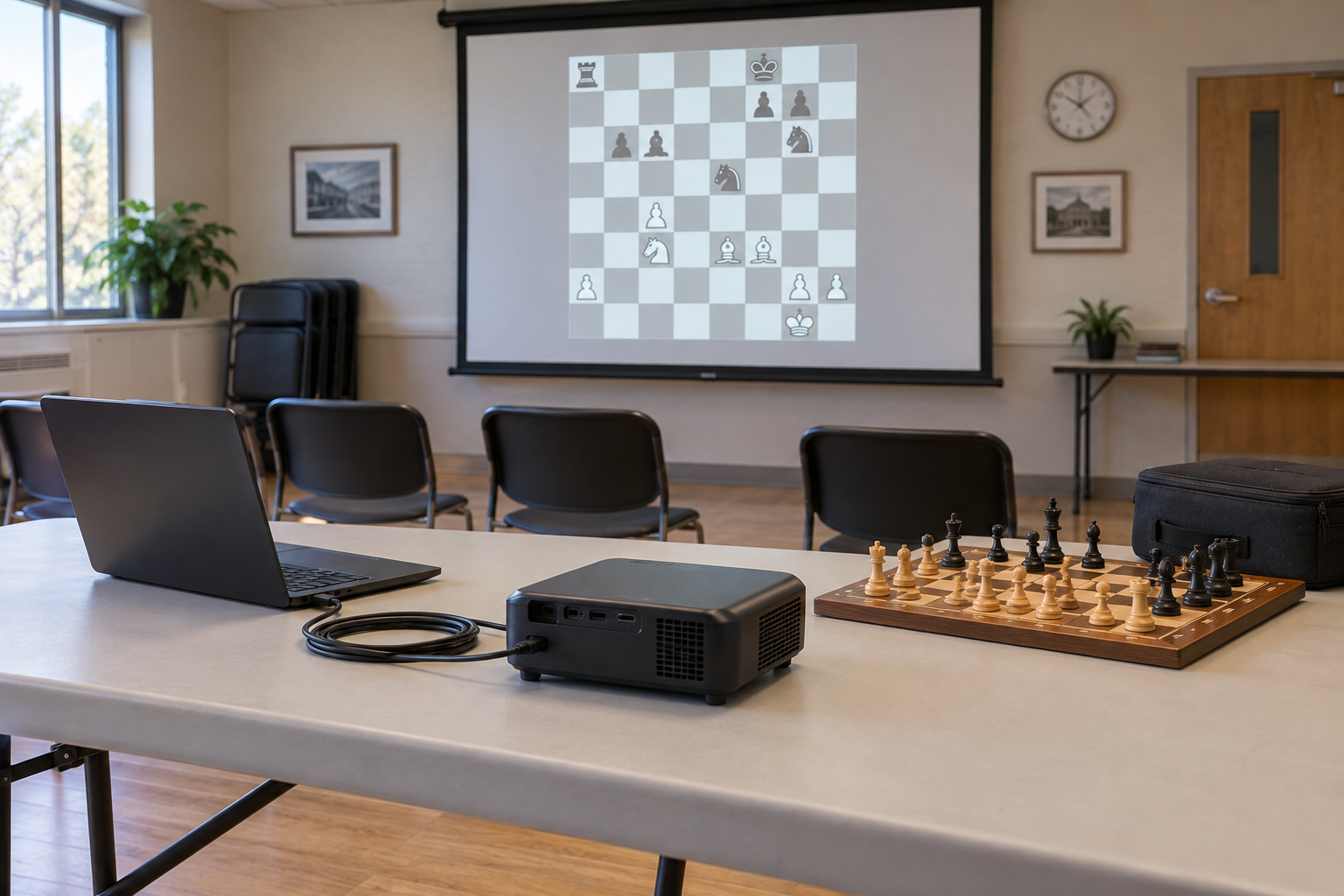
Borrowed-room category guide
Match the projector to the room and source device
Record the screen size, projector distance, room light, outlet locations, laptop outputs, setup time, and complete packed weight. Then verify native resolution, supported inputs, power requirements, controls, and carry-case fit in current documentation.
Quick decision
- Choose a compact presentation projector when the room has a usable screen or pale wall, controllable light, mains power, and a predictable setup position.
- Prioritize short-throw suitability when the projector must sit close to the screen, but verify the maker's throw information for your intended image size.
- Prioritize simple wired input when several volunteers will run sessions; a documented direct connection is usually easier to rehearse than an account-dependent workflow.
- Skip the purchase when the venue already supplies a dependable display, the room cannot control light, or a magnetic demonstration board fits the group better.
Measure the room before comparing projectors
Start with the viewing area, not a shopping result. Measure the maximum image width, the distance from the screen to the only practical table position, the distance to power, and the viewing distance of the farthest seat. Note windows and lights that cannot be dimmed.
Use the manufacturer's throw information to check whether the intended image fits from that position. Keystone correction can adjust geometry on some models, but it should not be treated as a substitute for a workable placement. A club also needs enough table depth that the projector, laptop, cables, and a demonstration board do not crowd one another.
Compare the specifications that affect chess diagrams
Native resolution
Chess analysis depends on clean square boundaries and recognizable pieces. Compare native resolution rather than accepting vague compatibility language: a projector may accept a higher-resolution signal while displaying fewer pixels. Test the chess interface at the actual image size and viewing distance whenever a return or borrowing option permits.
Brightness in the real room
Brightness labels are not always presented on the same basis, so compare manufacturer-documented measurements cautiously and avoid declaring a universal minimum. A dark demonstration may not predict a bright community room. If possible, borrow the venue's equipment or trial a returnable unit during the club's normal meeting time.
Focus and image geometry
Check whether the whole chessboard stays legible, not only its center. Verify the documented focus method, supported placement, aspect ratio, and geometry controls. A board that is large but blurred at the edges makes file labels and piece shapes harder to follow.
Choose a connection workflow volunteers can repeat
List the exact outputs on the club laptop or tablet and the inputs documented for the projector. HDMI is common, but the connector on the source device may require a compatible adapter. Do not assume a USB port accepts video merely because it fits a cable.
Wireless casting can reduce one cable, yet it may introduce network, app, account, update, or permission steps. If the venue network changes or guest devices are restricted, a tested wired route and a labeled spare cable may be more predictable. Keep any account or software requirements in the club setup notes.
Build the complete portable kit
- Projector and its specified power supply
- Source device and charger
- One tested video cable plus only the adapters the setup requires
- Remote control, if essential, with its documented power source
- A padded case with separate spaces so plugs do not press against the lens or controls
- A short setup card naming the input, chess app or board file, image position, shutdown sequence, and packing count
Route cables on the table and use only venue-approved cable management. Do not run loose leads through seating or walking routes. Allow the projector to complete the shutdown process described in its manual before packing it.
Run a no-buy rehearsal
- Ask whether the room already has a screen, projector, television, or large monitor.
- Load a representative chess position on the exact source device.
- Set it up during normal room lighting and view it from the last seat.
- Have a second volunteer change the position, enter a variation, reset the board, and shut everything down using a one-page checklist.
- Record the missing connection, visibility, placement, or packing requirement before shopping.
This rehearsal separates a projector problem from a source-device, room, or teaching-workflow problem. The related classroom and club station guide can help place the display within the wider equipment routine.
Who should skip a portable projector?
Skip it when the group is small enough to gather around a board, the room stays too bright, setup time is very short, storage is insecure, or the venue already provides compatible equipment. A portable whiteboard or magnetic demonstration board may support discussion without software, accounts, power, or image alignment.
Bottom line
The best portable projector category for a chess club is defined by the borrowed room: workable throw, readable native image, suitable brightness evidence, a tested input path, safe cable placement, simple controls, and a complete carrying routine. Rehearse the whole lesson first; buy only when the projector solves a documented display problem.